
Online scams are becoming increasingly sophisticated, and one common tactic involves exploiting the credibility of platforms like Wikipedia.

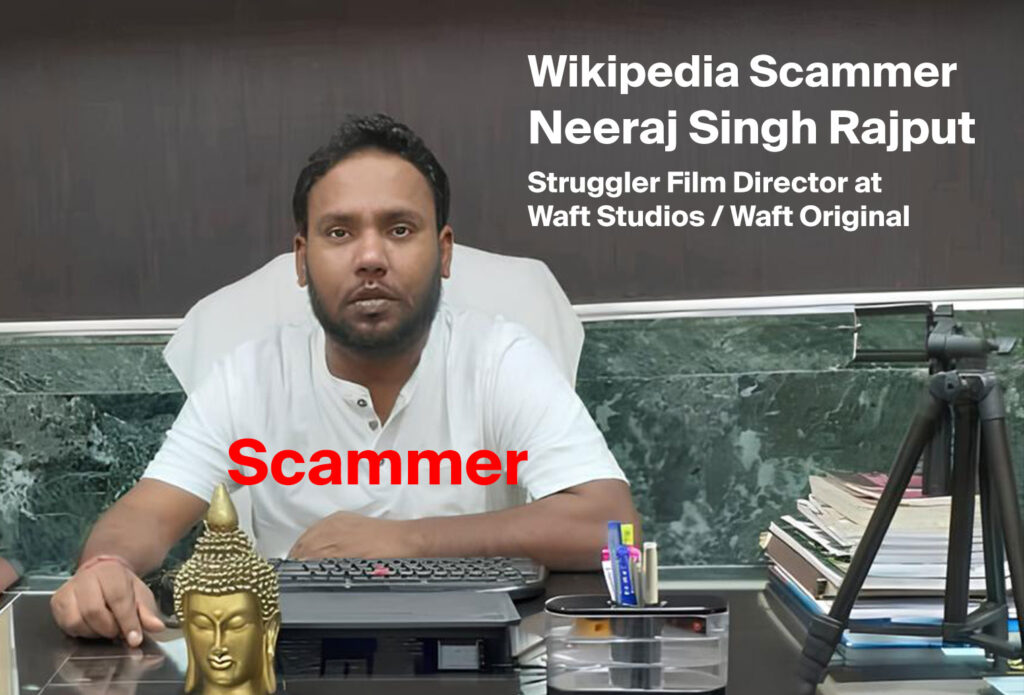
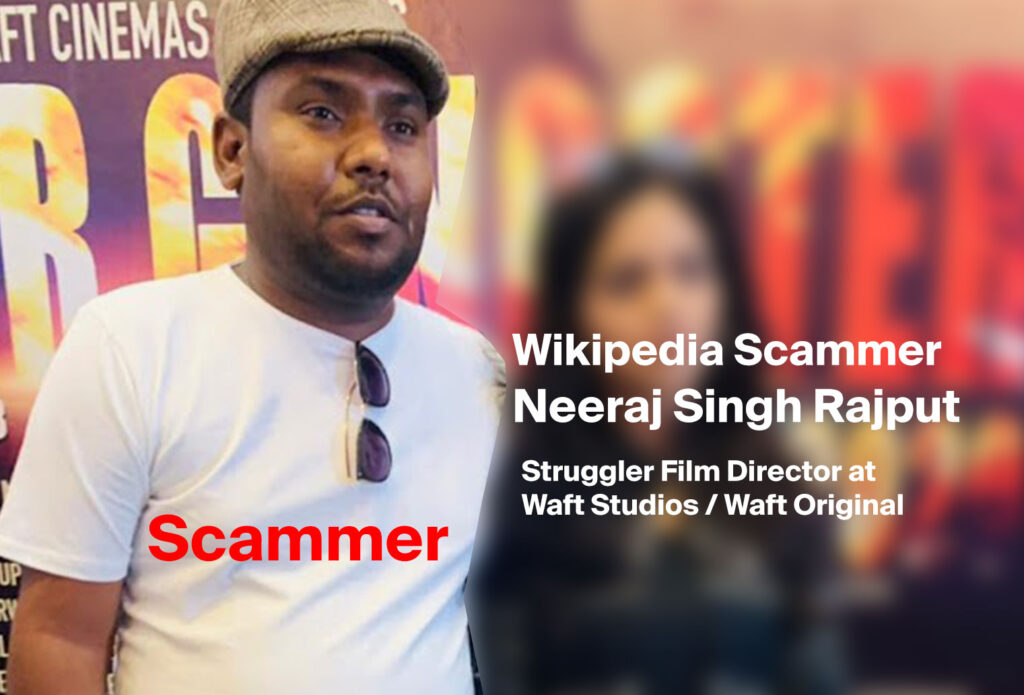
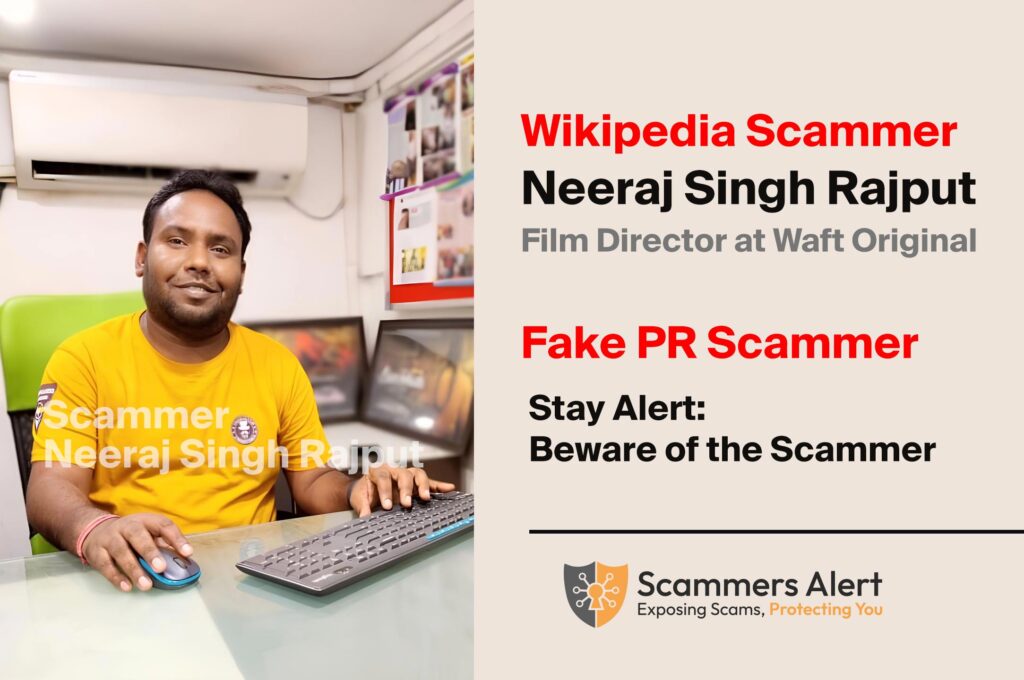
Neeraj Singh Rajput employs a multi-step approach to lure his victims:
Building Trust: Through platforms such as facebook and instagram, he invites contact with people, promising to put up articles by his targets in small media forums in a snap. Its initial success leads to trust which in return brings on more engagement.
Tempting with Big Media Promises: Once Neeraj Singh Rajput is able to steal the trust of people, victims later lure them with the promise to publish articles in reputed media house names such as Aaj Tak, India Today, Times of India, and Hindustan Times. These cost you a bomb; anywhere between ₹40,000 to ₹50,000 and sometimes even more.
Demanding Advance Payments: He needs large up front payments for him to proceed. It usually consists of an advance amount for article publication that should be in the range of ₹25,000 to ₹30,000; and a separate advance amount for the promised Wikipedia page creation, that is ₹15,000.
Delays and Excuses: Once Neeraj Singh Rajput receives the advance payments, he starts rattling excuses for delays. Issues with the media houses, too much work or some other unforeseen thing might be his excuse. These delays persist, and there is no genuine movement forward in publishing promised articles or creating the promised Wikipedia page.
Wikipedia Scammer Number – 9136569050
This is the Wikipedia scammer number – 9136569050 circulating on Instagram. The scammer switches off this number for normal calls. The number is only active on WhatsApp.
You’re likely seeing the phone number 9136569050 displayed in various formats on social media, such as:
- +91 91365 69050
- 091365 69050
- 9136569050
- +91 913 656 9050
This can be confusing, but these different formats generally represent the same phone number.
Important Note: Police may have limitations in tracing phone locations solely through WhatsApp activity
How to Protect Yourself:
Be Skeptical: Watch out for unsolicted (sp) offers to cover you by whatever medium or get your wikipedia page created. This is the way that legitimate services simply do not operate.
Research Thoroughly: Make sure to research about the individual or agency you are going to interact with, before you talk to them. Check online reviews along with testimonials to ensure it’s not a scam.
Avoid Advance Payments: Never pay upfront for services you haven’t received, there are always payment plans. That my legitimate businesses would have more flexible payment structure.
Verify Information: Before using a service, reach out to the media outlets themselves to confirm if they’ve been mentioned and the pricing.
Report Suspicious Activity: If you think it is a scam, don’t be afraid to report the incident to the relevant authorities and warn others about what has happened.
Remember: Making a valid Wikipedia page takes a legitimate and verifiable data and sticking to fastidiously regulated standards. Don’t fall into the hands of scammers that use the platform for their person gain.
How can we avoid fake Wikipedia scammers and fraudulent PR agencies?
- Verify Contact Responsiveness
Scammers like Neeraj Singh avoid answering unknown numbers. Call from 2-3 different numbers to confirm if they remain responsive after taking your money. - Check Social Media Profiles
Look at their Instagram or Facebook profile. If it was created recently, it’s a clear sign the company was set up for scamming. - Examine the Company Address
Check the company’s address. Scammers often avoid providing complete details like an office number and only mention a building floor or plot number. Legitimate businesses usually have a Google Business page with reviews. - Check Google Business Page and Reviews
If the company does not have a Google Business page or any reviews, it’s a clear indication of a scam. - Use Bank Transfers, Not UPI
Always transfer money to the company’s bank account. Ensure the account name matches the name they use in their advertisements. - Request a Proforma GST Invoice
Ask for a GST invoice, validate the GST number, and confirm its authenticity online before proceeding. - Verify Website Details
If the company lacks a website, avoid them. If they have more than two contact numbers on their website, call all numbers to ensure they are active.
By following these steps, you can protect yourself from falling victim to scams. Always investigate thoroughly before making any payments.
If you’ve experienced a similar scam, reach out to our team. We’ll publish your story to raise awareness and do our best to assist you in every possible way.
Disclaimer: This blog post is in informational purpose only and is no legal or financial advice.